
How to Search Cases by Name
The North Carolina eCourts Portal takes either a full record number or a party name. Names are typed as Last, First. Smart Search costs nothing and needs no account for Clay County public information. Name searches often return results from across the state. Narrow things down by setting Clay County as the Location. Then apply filters for case type, case status, filing date, or a date-of-birth range. Note that the public display hides the recorded birth month and day.
Smart Search opens with case number or party name as its defaults. Skip the Advanced Filter Party Name search type. The state warns it limits results and skips wildcard searching. For a business, choose Advanced Filtering, then Filter by Search Type and Business Name instead.
- Open Smart Search and enter Last, First in the basic field.
- Expand advanced filtering and set Location to Clay County.
- Choose a public case type or filing-date range only when it will narrow the results.
- Submit the search and open the underlined record number for the Case Summary.
- Use the clerk route when the result is incomplete, restricted, or cannot be matched with confidence.
| Portal field | Type | Required | Clay lookup use |
|---|---|---|---|
| Record Number or Name | Text | One basic criterion | Accepts case number or Last, First name. |
| Location | Dropdown | No | Select Clay County to narrow the statewide system. |
| Case Type | Dropdown | No | Includes public Civil Actions, Criminal Actions, Estates, and more. |
| Case Status | Dropdown | No | Match the status to the case type to avoid incomplete results. |
Clay County Case Search Filter
Portal is a statewide public window into Enterprise Justice, not something the county built. For local results, the practical fix is the Clay County filter. Apply it on a name or number search. It reaches Clay County public criminal, civil, estate, special-proceeding, and traffic case information in the unified court system. No separate Clay County case-search login exists. For the local route, the official Clay County court page lists court services.
To learn the controls, Portal training and resources walks through public searching. Pair the county filter with a verified name or number. Avoid guessing which court holds a case. Felonies sit in Superior Court. Misdemeanors, infractions, and many other matters start in District Court.
How to Search by Case Number
A full number beats a name for precision. Enterprise Justice numbers carry four parts: a two-digit filing year, a letter for case type, a six-digit sequence, a hyphen, and a three-digit county identifier. Clay's identifier is 210. One criminal pattern looks like YYCR######-210. Always use the real number from your citation, summons, notice, or clerk record instead of inventing a sequence.
The official guide's statewide example is 21CR000007-910. CR and IF mark criminal and infraction reference types. CVD, CVM, and CVS remain civil references. Type the whole number into the same basic Smart Search field that accepts names.
Clay County Case Number Parts
Year, case-type letters, sequence, and county code all work together in one number. That final 210 is what marks Clay County in the Enterprise Justice format. The type letters offer useful orientation. Still, converted legacy cases and case-specific records should be read exactly as they appear in Portal. Trust the case designation shown in the Case Summary. Do not rely on an assumption drawn from a code.
- Case Summary
- The state’s public case view, also called the Register of Actions.
- Case Event
- A dated docketable action in the public timeline.
- County identifier
- The three digits after the hyphen in the Enterprise Justice record number.
- Hearing
- A scheduled court event; Search Hearings is the current-calendar lookup tool.
What a Case Search Shows
Click the underlined result and the Case Summary, also called the Register of Actions, opens. Its menu varies with the public record. It can include Case Information, Assignment Information, Party Information, Case Events, Dispositions, Hearings, Financial Information, and causes of action for applicable civil, family, probate, or mental-health records. Hearings and financial details appear only when present in the available public data.
The Portal view runs near-real-time. Records and images are usually visible within minutes of upload, subject to processing and daily volume. It is not the official court record. Public documents can be opened one at a time. Confidential, sealed, or restricted material stays out of the ordinary view.
| Case Information | Core public case data for the case type. |
|---|---|
| Assignment Information | Public assignment data when available. |
| Party Information | Public parties and roles. Victims do not appear in public search results. |
| Case Events | The chronological register of docketable activity. |
| Hearings and Dispositions | Sections that show current or outcome information when populated. |
Clay County Case Summary Menu
The Clay County Case Summary is layered, not one flat page. Use the upper-left menu to move between populated sections. The most recent Case Event helps you place Clay County history in time, and the Hearings section plus the separate Search Hearings service cover current court dates. A public Case Summary can exist even without any document image.
Older Clay events need context. The county joined the eCourts Track 5 transition in July 2024. Legacy case events were converted during that move. Events from before conversion may carry a 12:00 a.m. timestamp, which can be a conversion artifact rather than a real hearing time.
County vs Statewide Case Search
For Clay cases, the normal online route is the statewide Portal. Use it with the Clay location filter. The county runs no second public docket-search portal. The Clay County Clerk of Superior Court remains the local stop for public-terminal inspection, permitted paper-file inspection, official copies, and case-specific questions. That split matters. The Portal is a public view, not the keeper of the file.
| Channel | What it provides | Best use |
|---|---|---|
| Portal Smart Search | Free public Case Summaries, public documents when available, and statewide filtering. | Locate a Clay case by name or complete number. |
| Portal Search Hearings | Current hearing lookup by location, type, search value, and date range. | Check a present location or time. |
| Clay Clerk and public terminal | Local file access, paper-file route, and official copies as permitted. | Resolve missing or restricted online material. |
Clay County Case Search Channels
For a Clay County docket search, start with Portal Smart Search. Hearing dates? Try Portal Search Hearings along with the Clay County local schedule and calendar links. Need an official record instead? Call the Clay County Clerk of Superior Court at (828) 389-2300. Or use the public self-service terminal, or ask to inspect the paper file where permitted. Superior and District court offices publish their own contacts. Those contacts explain each office's role. But the clerk remains the route to the actual court records.
A formal NCAOC public-records request covers AOC-held records, not county case files. Under G.S. 132-6, public records must be open for inspection at reasonable times unless law protects them. Paid licensed Remote Public Access exists as a separate institutional program. Ordinary civic case lookup does not need it.
Clay County Case Search Access Limits
Registration on the Portal is optional. It lets returning users save public cases in My Cases, but it opens no new case information for an ordinary account. Elevated Access is a different creature. It is statutorily limited and never granted just by signing up. The state's Portal guidance keeps registration and special-access rules distinct.
eCourts File & Serve is the official source for the assigned image here. That application handles filings. It is not a public case-search results screen.
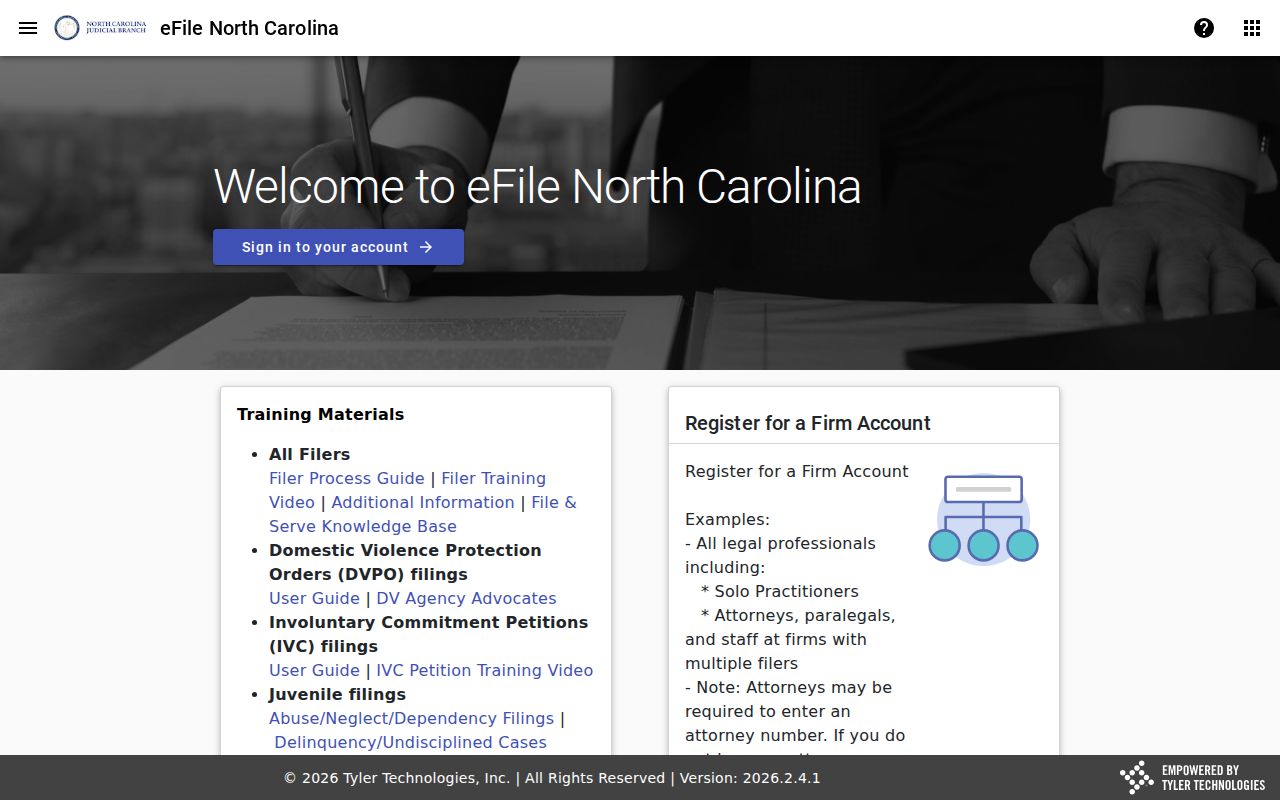
The gap matters. Viewing public case information and submitting a filing are two different tasks, and each has its own door in the Clay County system.
Clay County Case Search Results
Smart Search caps a return at 200 results. When that happens in a Clay County case lookup, narrow the field. Use a location filter, case type, case status, filing-date range, or a sensible date-of-birth range. Don't jump to the conclusion that the Clay County record you want is missing.
A no-match notice has many causes. Spelling, format, a record that does not exist, or a restricted case type can all produce one. The state suggests Edge or Chrome, a private browser window, and a cleared cache. For case-specific questions, the clerk is the verified local next step.
One practical note: Smart Search supports public lookup. But a very large public document may require clerk assistance to request smaller file segments.
Clay County Case Search Wildcards
The Portal allows limited wildcards in a Clay County case lookup. A record-number wildcard demands at least four characters before the asterisk. Name wildcards work differently. A last name needs at least three characters plus an asterisk. A first name needs at least one character plus an asterisk. These rules cover basic search only. The Advanced Filter Party Name search type stays more restrictive.
Searching a Clay County business name? Choose Advanced Filtering, then Filter by Search Type and Business Name. If the first three characters contain a number, space, or special character, the wildcard will fail. A complete record number remains the sharpest search value of all.
Restricted Cases and Access Rules
Sealed and confidential Clay County records never appear in Portal. Restricted categories include juvenile cases, unreturned criminal warrants, protective-order matters, selected restraining-order data, and certain confidential special proceedings. Social Security-number validation is never public. The public display also masks the month and day of birth. The full date of birth is reserved for elevated access.
Before calling the Clay Clerk about a restricted or thin result, recheck the spelling. Then recheck the complete case number. A public no-result does not prove a case was sealed, expunged, or never filed. G.S. 7B-3000 limits juvenile-record inspection, and G.S. 15A-151 governs confidential files after expunction. The clerk can explain the local record route. No clerk can override a court order or statute, though.
Clay County Case Lookup Technology
The NCAOC Remote Public Access Program is the source for the assigned image here. It is a licensed statewide program offering real-time and bulk data, separate from the free public Portal. It changes nothing for an ordinary Clay County case lookup. The public search and clerk channels still stand.
Enterprise Justice now serves all 100 North Carolina counties. Even so, Clay's clerk still holds the official local court records.