
Getting Clay County Court Records
Two offices split the work in Clay County. The Clay County Clerk of Superior Court holds the actual Superior Court and District Court files, while the free statewide Portal gives the public a first look. That look is convenient but not the official record. For paper-file inspection, copies, or certification, the Clay clerk is the stop. The Judicial Branch court-records guidance lays out every official route: online access, the clerk, courthouse terminals, paper files, and transcripts.
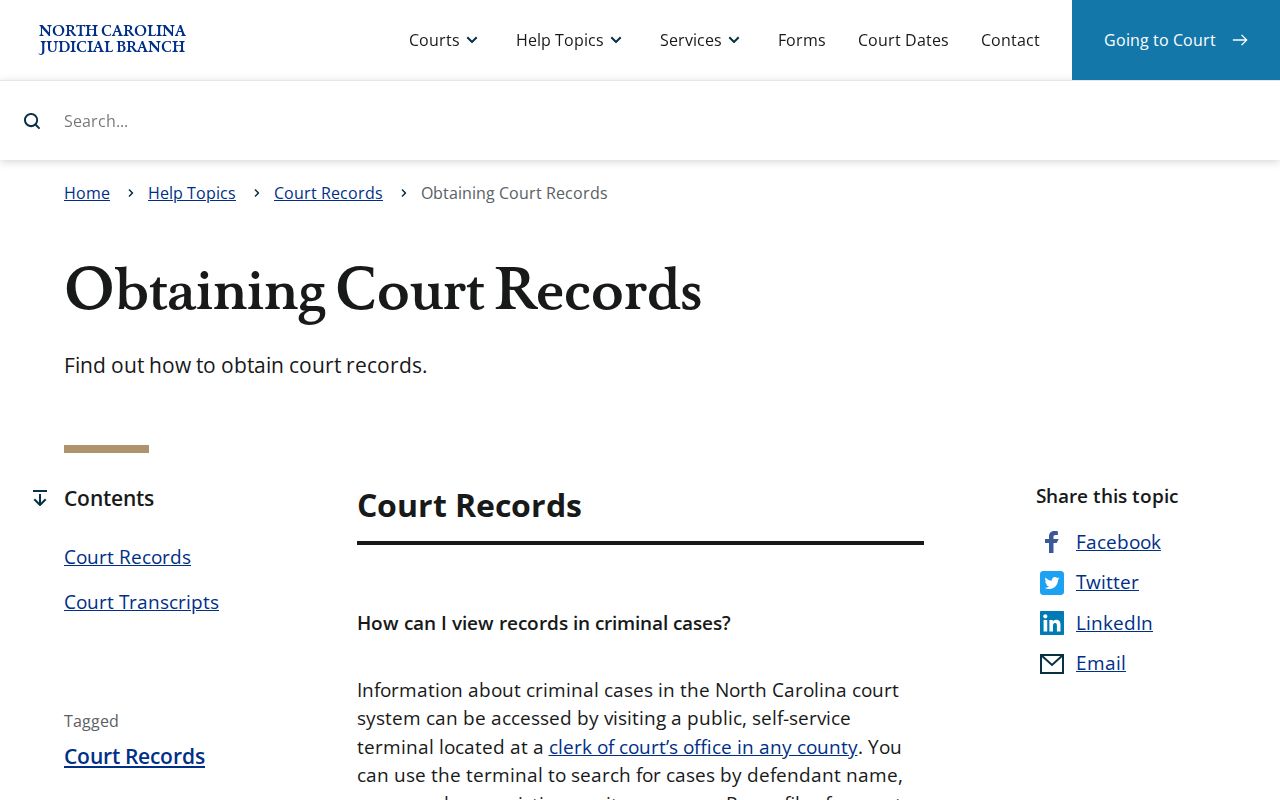
Skip the assumption that a statewide agency holds individual case papers. For a Clay file, ask the local clerk.
- Search Portal by complete case number or party name and verify that the case is in Clay County.
- Decide whether the free Case Summary answers the question or whether a public document, paper-file review, or official copy is needed.
- For a public document image, open the individual Portal document when it is available.
- For a clerk copy or certification, call the Clay County Clerk of Superior Court at (828) 389-2300 or visit 261 Courthouse Dr., Suite 1, Hayesville.
- Give the case number, document or docket description, and certification need, then confirm the final cost, payment method, and turnaround with the clerk.
Clay County Court Record Choices
These are three different products, not three names for one thing. A Portal Case Summary, also called a Register of Actions, is a free public timeline. It covers case information, events, public hearings, dispositions, and financial information when available. A filed document image is the pleading, order, judgment, or other paper itself. It is shown one document at a time. An official or certified copy comes only through the Clay Clerk.
| Record | Best route | Important limit |
|---|---|---|
| Case Summary / Register of Actions | Portal Smart Search | Free public information, not the official court record. |
| Public filed document | Open the individual Portal document or inspect the Clay file | Only public, nonrestricted documents appear online. |
| Official or certified copy | Clay County Clerk of Superior Court | Confirm the required certificate and final charge before ordering. |
The difference matters most when you need a clerk-issued document rather than a quick view of the docket timeline. Portal usually posts public Case Summaries and eligible document images within minutes of upload to Enterprise Justice. Processing volume can slow things down. That speed is a convenience, not a promise. When a Clay record looks incomplete, restricted, or missing online, go to the clerk. Do not trust the screen as the whole file.
Court Record Types
Clay runs one unified clerk structure. It receives Superior Court, District Court, special proceeding, estate, civil, criminal, and magistrate-originated records alike. Access rules vary by record type and restriction, but the single local clerk office is always the starting point for the Clay file itself.
- Public Case Summaries and chronological Case Events.
- Public filed pleadings, orders, and judgments where Portal makes individual documents available.
- Criminal, civil, special-proceeding, and estate case files held through the clerk.
- Hearing and disposition information when the Case Summary contains those populated sections.
- Official copies, certificates under seal, exemplifications, and transcripts of judgment requested from the clerk.
A verbatim hearing transcript stands apart from all of these. It is prepared by an official court reporter or qualified transcriptionist from a recording. That makes it something apart from a routine docket or clerk-copy request. The fallback chain works the same across categories. Try Portal for public information first. Next comes a terminal in the Clay clerk office for an in-person search. Paper-file inspection follows where permitted. The Clerk of Superior Court handles paid copies. For case-specific records questions, the Portal guide points to the county clerk, not the statewide Portal help channel.
Clay County Court Record Requests
A complete case number sharpens any Clay request. Enterprise Justice numbers follow a pattern. The pattern is a two-digit filing year, a case-type letter group, a six-digit sequence, a hyphen, and a three-digit county identifier. Clay's identifier is 210, so a local criminal case can end in -210. Still, pull the full number from court paperwork or Portal rather than guessing the sequence. When you contact the clerk, give the case number, the event date or document title if known, and whether you need a certificate. Those details let the clerk tell apart a Case Summary request, a filed paper, a judgment, or another court record. They also prevent mix-ups between a transcript of judgment and a verbatim transcript. Portal sometimes cannot open a document because the file is too large. The official FAQ names this as Error Code 141011. It sends the requester to the clerk for smaller file segments or the available copy process. A document that will not display might also be restricted, sealed, confidential, or simply not uploaded. The blank screen alone tells you nothing about why. The Judicial Branch public-records request form shows the statewide agency's separate request interface.
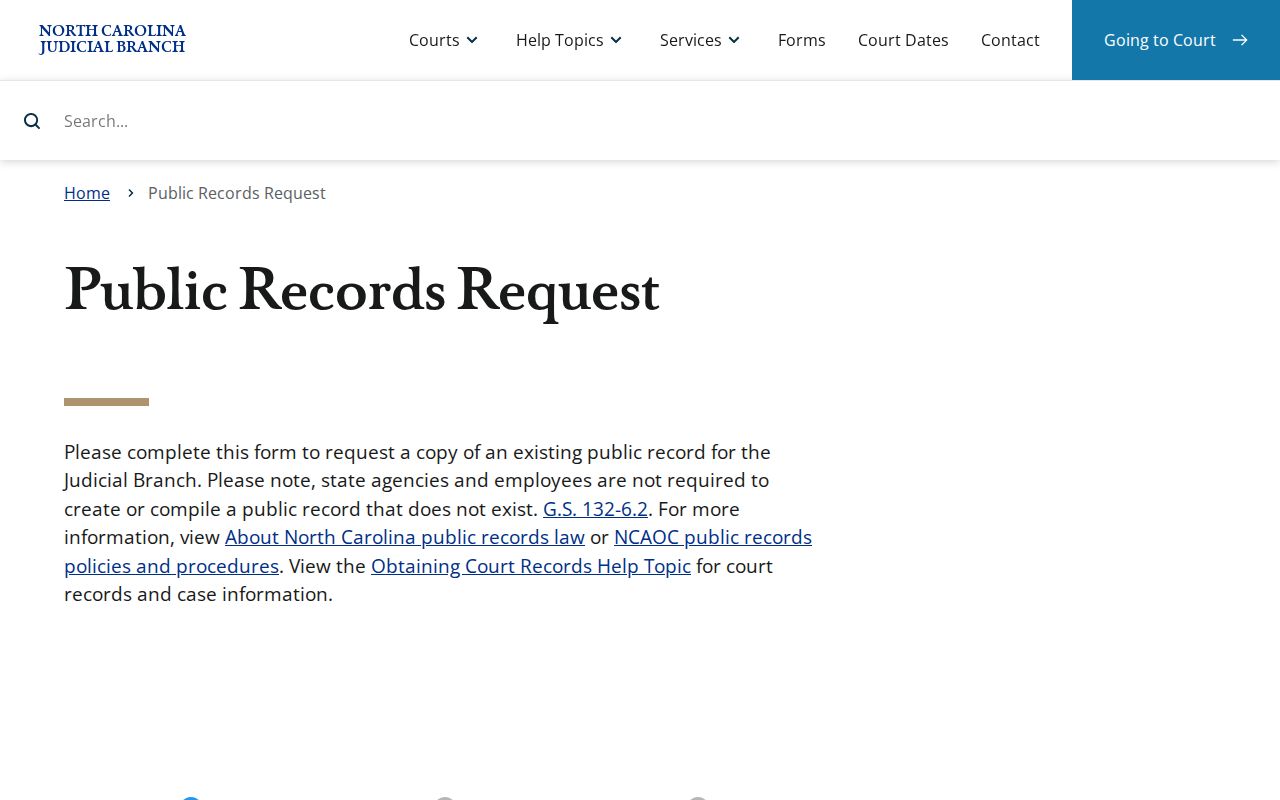
That form is the wrong shortcut for a Clay case file. NCAOC says it is not the custodian of court documents or case information.
Inside a Clay County Court Record
Think of a public Case Summary as the navigation layer wrapped around the court file. Its sections can include case information, assignment information, public parties, Case Events, hearings, dispositions, and financial information. Civil, family, probate, and mental-health categories may also show causes of action where applicable. No single case displays every category.
| Case number | Enterprise Justice identifier, including Clay's -210 county code on Clay cases. |
|---|---|
| Case Events | The public chronological Register of Actions entries for docketable actions. |
| Public parties | Party information and roles made public for the case type; the public search does not return victims. |
| Hearings and dispositions | Populated sections that may show current hearing information and recorded outcomes. |
| Documents and financials | Individual public documents and financial information when available; restricted items do not display. |
Clay County Court Record Portal Limits
Portal is a public window into Enterprise Justice. It makes finding a Clay case and its public entries far easier. Yet the Portal FAQ is blunt: Portal is not the official court record. Official copies stay with the clerk. So do paper-file inspection and courthouse-terminal access, in the county where the case sits. NCAOC's public-records policies draw the same custody line for agency requests.
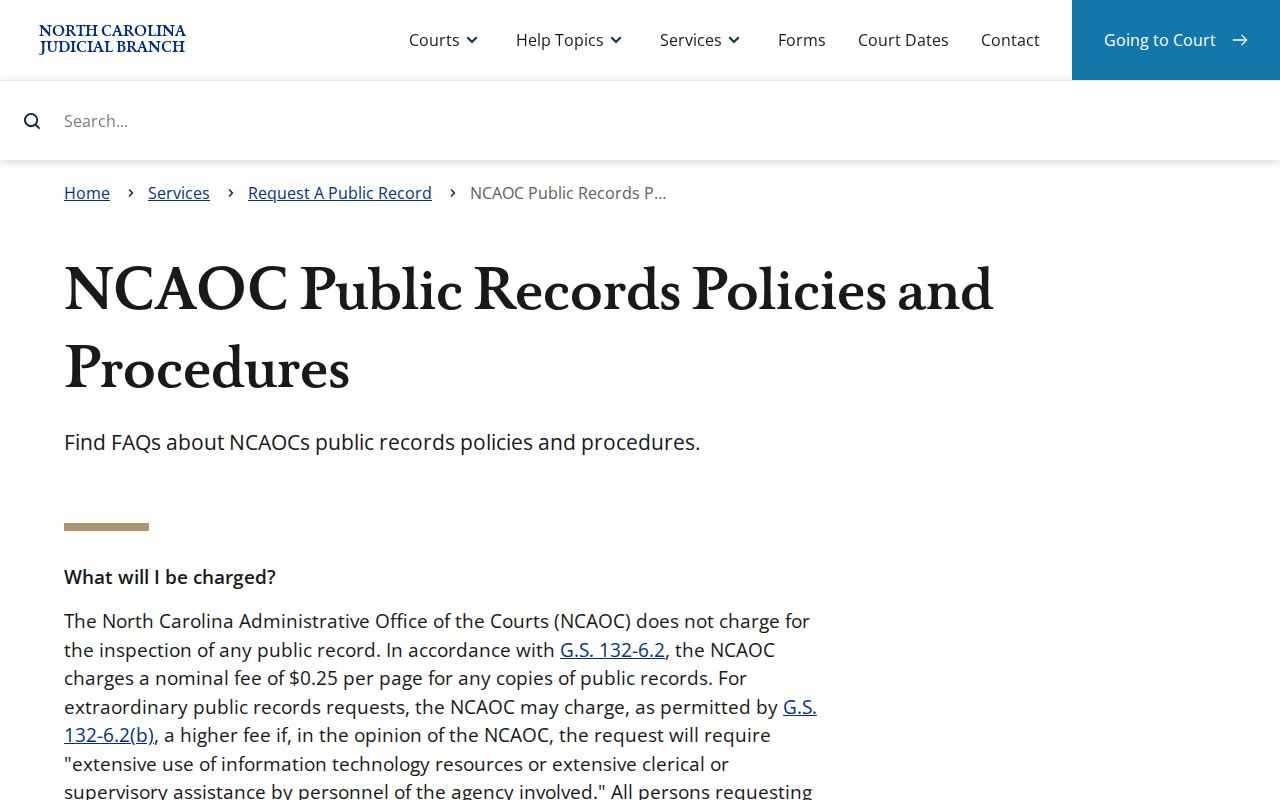
Use the agency form only for an existing agency record that fits. A Clay case-file request belongs with the clerk who maintains that court record.
Fees and Certified Copies
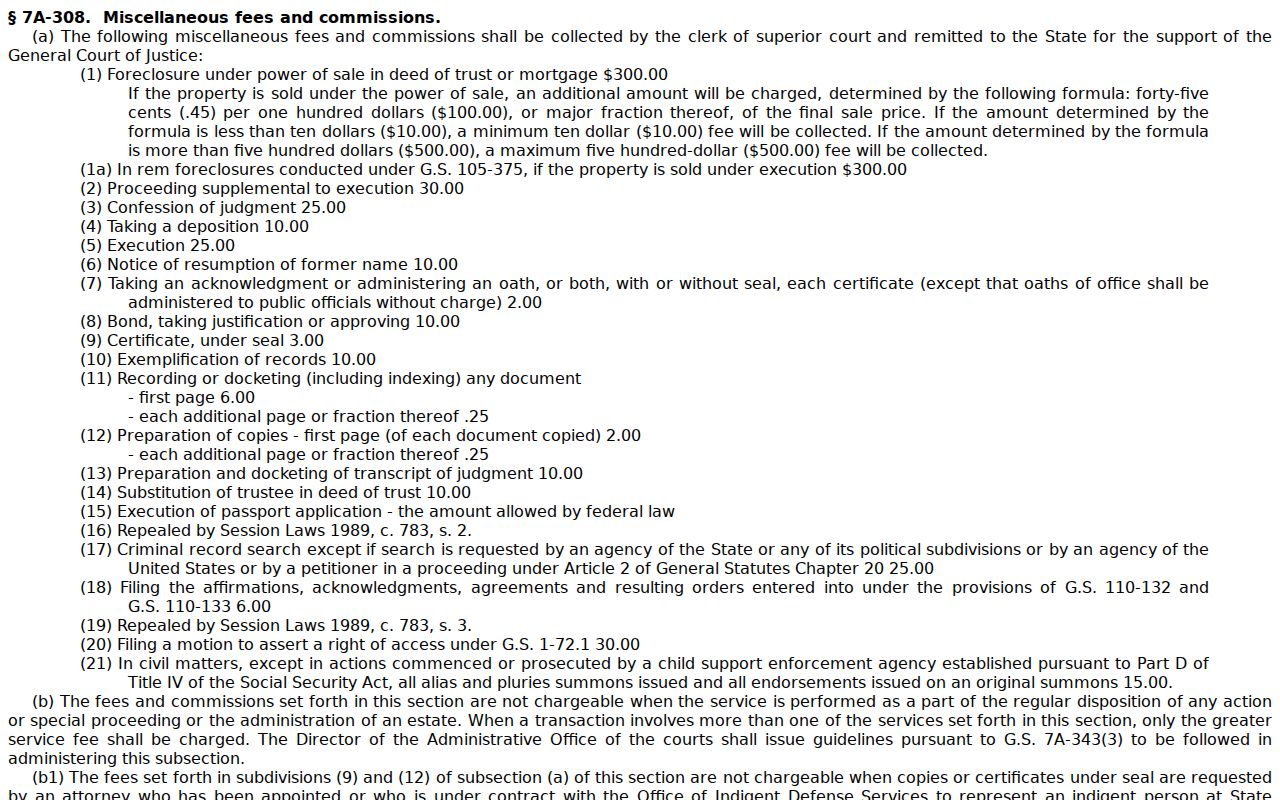
Clay publishes no separate certified-copy fee schedule locally. The statewide baseline is G.S. 7A-308, and the clerk's counter can confirm current amounts. That statute sets no stand-alone docket-sheet charge and no separate Clay surcharge, so the total hinges on the item requested and the number of documents.
| Clay court record item | Statutory baseline | Request note |
|---|---|---|
| First page of each copied document | $2.00 | Confirm the document count with the Clay Clerk. |
| Each additional page or fraction | $0.25 | Calculated within the same document. |
| Certificate under seal | $3.00 | Ask whether this certificate is the form required. |
| Exemplification | $10.00 | Higher-form authentication; confirm availability. |
| Prepare and docket transcript of judgment | $10.00 | Not a verbatim hearing transcript. |
G.S. 7A-308 is the official source for the statewide clerk fee baseline.
Clay County lets you pay for records a few ways. In person, the payment page takes cash, card (with a processing fee), money order, or certified check. Mail orders are stricter: send a money order or certified check, since cash and personal checks are not accepted that way.
Clay County Clerk of Superior Court
261 Courthouse Dr., Suite 1
Hayesville, NC 28904
(828) 389-2300
Monday-Friday, 8:00 a.m.-5:00 p.m.
Clay County Court Record Terminal Access
Portal is not the only option. When it falls short, the courthouse has a public self-service terminal. It is the in-person fallback for a Clay County case lookup. State guidance lets clerk offices offer terminal access for criminal searches. You can search by defendant name, case number, or victim or witness name. Civil, special-proceeding, and estate case information is included too. Not every detail is published. Clay does not post its terminal count, placement, or any special staff-assistance policy. So the safe local move is to ask the Clay Clerk. Ask about the terminal and the paper-file inspection procedure. That way you learn the actual procedure. You avoid counting on a kiosk or service level nobody has promised.
Sealed Records and Public Access
Two statutes govern what the public can see in a Clay County court record. G.S. 7A-109 tells the clerk to keep court records, files, dockets, and indexes, and to open them for inspection during regular hours unless another law blocks access. G.S. 132-6 points the same way, allowing inspection and copies at reasonable times.
Key rules. G.S. 7A-109 covers clerk record keeping and public inspection unless access is prohibited. G.S. 132-6 covers inspection and copies of public records. G.S. 7B-3000 makes juvenile records confidential except as authorized by statute or court order.
Some files carry extra limits. Sealed files, juvenile matters, unreturned criminal warrants, and selected protective-order material are examples. A no-result can also mean a formatting issue or an unentered matter, so call the Clay Clerk instead of reading too much into Portal.
Clay County Court Records and Federal Dockets
Clay state court records live with the Clay Clerk and Portal. A federal matter for the area runs through the U.S. District Court for the Western District of North Carolina. That court uses CM/ECF and PACER. Keep the two systems straight. A federal docket is its own record system. It is not a second route to a Clay Superior or District Court case file. The Western District's CM/ECF information lays out the federal court's electronic filing and docket environment. That system is entirely separate from the state court docket in Clay County.
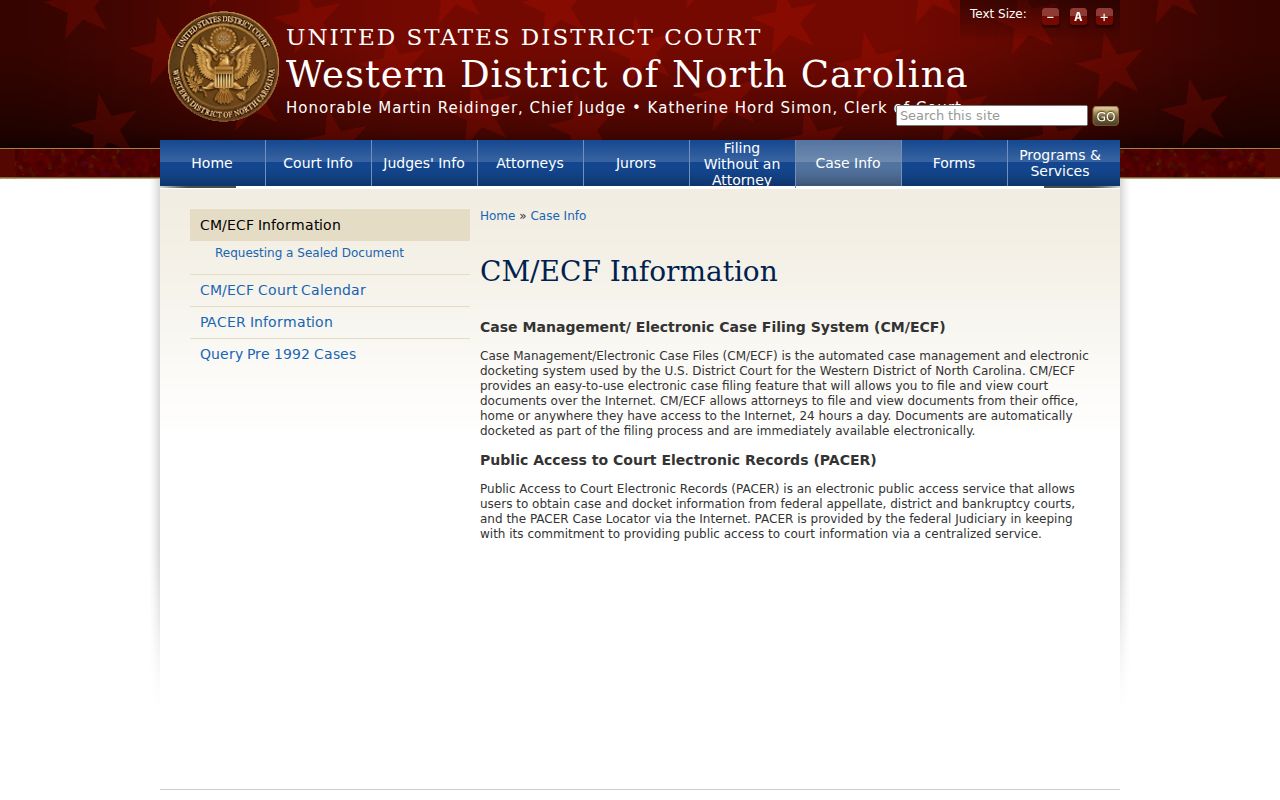
That official federal channel stands apart from the state system, and the Clay Clerk still holds the state court file. PACER's official pricing information explains the federal public-access fee structure.
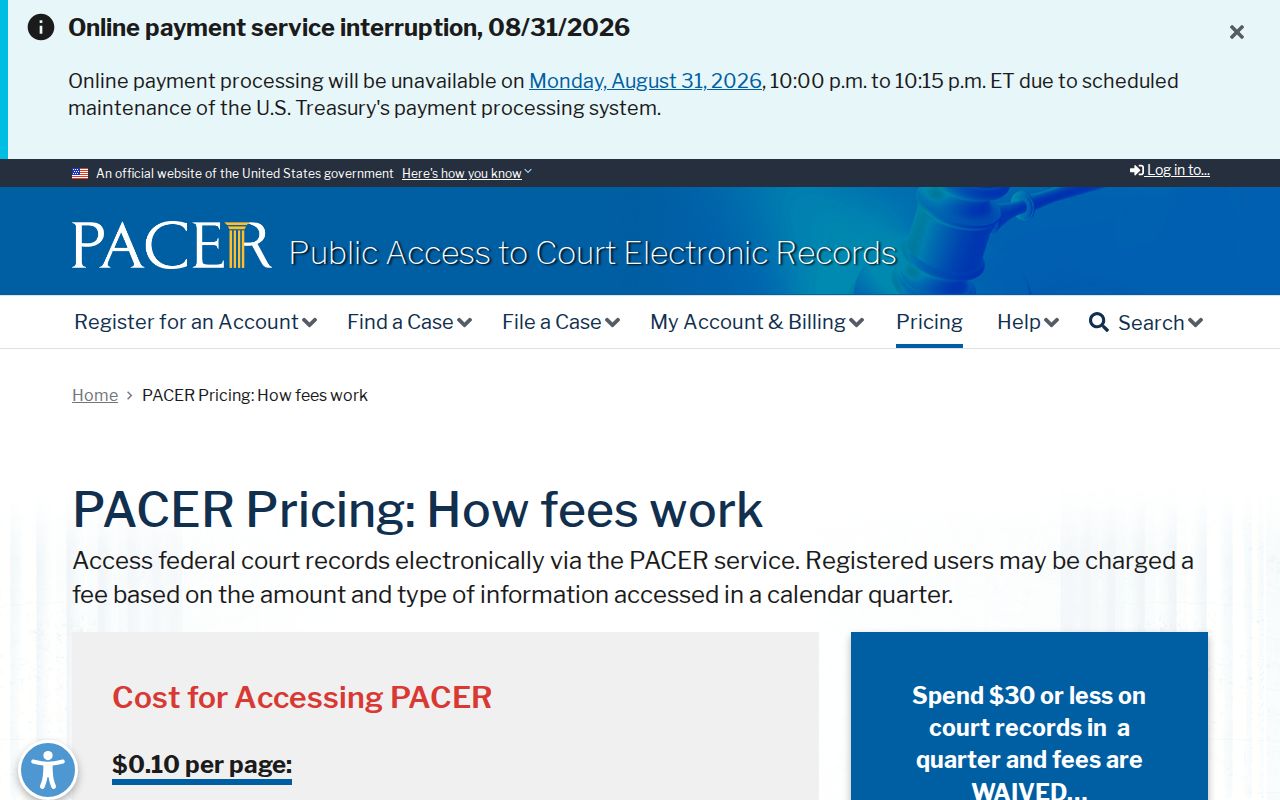
PACER access and charges apply only to federal records. The Clay Case Summary stays free through the North Carolina Portal.