
Clay County Court Calendars Explained
Clay County spreads its court dates across several places instead of one tidy docket sheet. The county's official location page points visitors to the North Carolina eCourts Portal court-date route. It also points to Clay's local administrative schedules and to separate civil and criminal calendar links. Each source does a different job. The schedules lay out the planned District Court sessions. The Portal's Case Summary and Search Hearings tools carry the current case-level detail.
Here is why that split matters. A session on a printed calendar tells you when the court plans to sit. It does not promise that your case will be called at that hour. Two court levels serve the county: Superior Court District 43A and District Court District 43. For both of them, the Clay County Clerk of Superior Court is the local access point for court records and docket information.
There is no separate county-built calendar login for Clay. The statewide Portal fills that role for the public. Its Search Hearings results show current calendars, locations, and times. The Case Summary ties each hearing back to the broader public case events. When the setting itself carries weight, check both views before you count on a date.
Clay County Search Hearings: Location, Type, Dates
Hearing dates for Clay County start with the North Carolina eCourts Portal. Its Search Hearings screen lists current court calendars with locations and times. Pick Clay County first. Then set a hearing type, a search type, a date range, and whatever details the search asks for. You can look up a case number, a party or business name, an attorney name or bar number, a judicial officer, or a courtroom.
Of those search types, a full case number works best. It pulls up one Clay County court docket entry instead of a crowd of matches. A name search still helps when you add the other filters, though you must confirm the result is the right public case before trusting it. One gap remains. Portal does not say if a hearing is virtual or in person, and when a proceeding is virtual the court posts the link somewhere outside Portal, so ask the local clerk or the courtroom for that last detail.
Finding Your Court Date
Start with current case information, then confirm through whatever local channel fits your question. Smart Search serves up the public Case Summary, and Search Hearings is the separate tool for a current hearing search. Someone with a known Clay case can also lean on the Clerk of Superior Court, the courthouse terminal, and the posted local calendar material when the online result leaves doubt.
- Open Portal Smart Search and enter the complete case number or a party name in the shown Last, First format.
- Open the matching public Case Summary and review its Hearings section when it is populated.
- Use Portal Search Hearings with Clay County, a hearing type, the appropriate search criterion, and a date range.
- Check the Clay Local Administrative Schedules page and its civil or criminal calendar links for session context.
- Call the Clay County Clerk of Superior Court at (828) 389-2300 or visit the public self-service terminal at 261 Courthouse Dr., Suite 1, Hayesville, Monday through Friday from 8:00 a.m. to 5:00 p.m., if a result conflicts, is absent, or needs confirmation.
Need to dig into a name or number before you can pin down the setting? The site's Clay County case lookup route walks through the Portal fields and the Case Summary structure.
Clay County Court Date Schedules Are Not Final Settings
Clay's official local administrative schedules post Spring and Fall District Court session PDFs and link to current civil and criminal calendars. Those materials help you spot the applicable session. They do not replace a current case setting. A continuation, a reset, a restriction, or even a search-format problem can leave an older schedule incomplete.
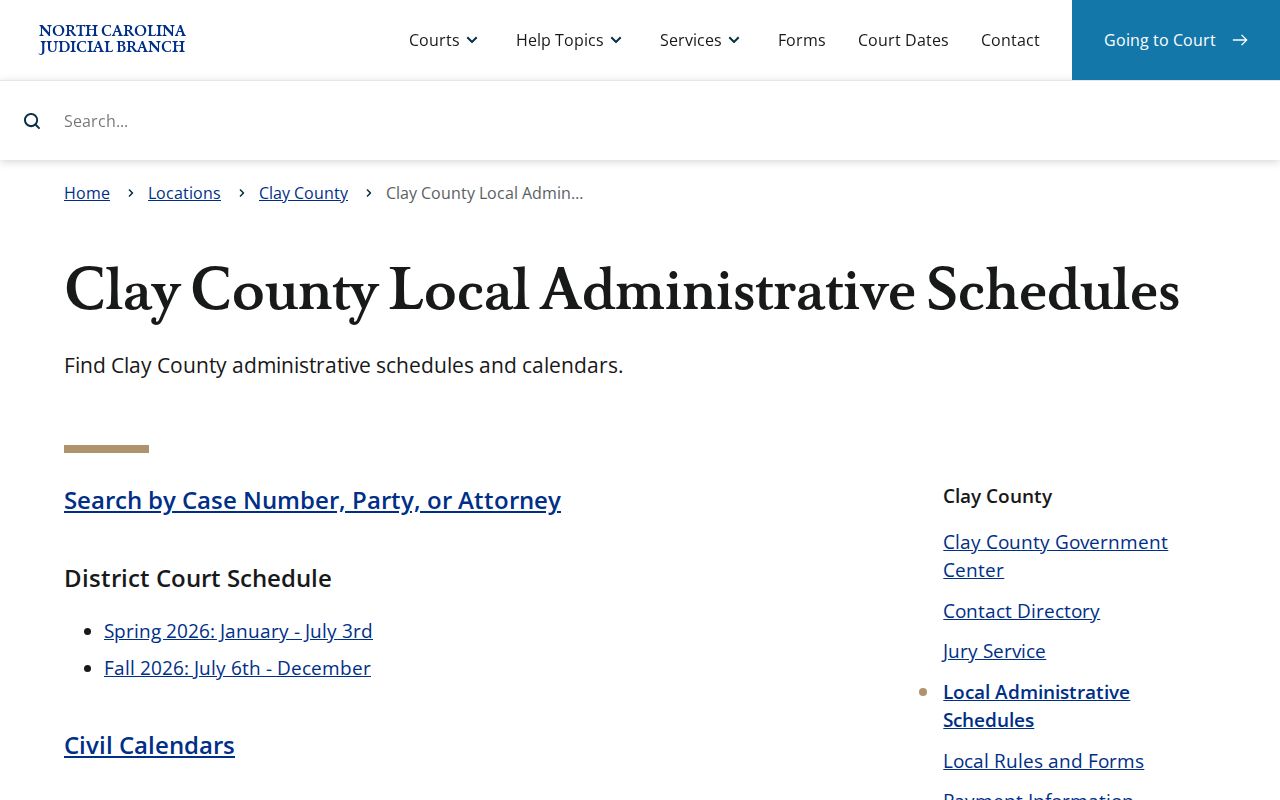
Treat the schedule page as a companion to Search Hearings and the Case Summary, never a substitute. If the sources disagree, call the local clerk for the case-specific answer.
How to Read a Court Setting
Read a Clay County court setting as a current hearing record. It is not a promise that every field will be filled in. The Portal materials verify the current hearing location and time. The Case Summary can also link a populated hearing to case events, dispositions, and financial information. Courtroom, judge, and call-order details should be confirmed directly. Confirm them when they affect where or when to appear.
| Date | The scheduled calendar date returned for the current case or hearing search. |
|---|---|
| Time | The official current hearing time. It is not necessarily a personal guarantee of call order. |
| Location | The hearing location shown by Search Hearings; confirm the specific courtroom with the local court when needed. |
| Hearing Type | The required Portal category selected before running the hearing search. Use the live menu rather than assuming a label. |
| Case Link | The matching Case Summary, where public case events and populated hearing information can be read together. |
Clay County Court Calendar Labels: T, MTV, DR, and RC
The District 43 Spring 2026 schedule legend supplies the local shorthand that makes a Clay calendar easier to read. Those labels describe calendar categories only. They are not an outcome and no substitute for the individual case record.
- T
- Traffic.
- MTV
- Minor traffic violations.
- DR
- Domestic relations.
- DSS
- Department of Social Services or juvenile matters.
- JUV/CS
- Juvenile or criminal and child support matters.
- NJ, O, and RC
- Non-jury, other criminal, and recovery court calendar labels.
The official District 43 six-month calendar is the source for this local legend. The labels give a setting context, but the case number and the current hearing result are what match an entry to a particular matter.
Continuances, Resets, and Cancellations
Clay's local rules page identifies a continuance policy, criminal docketing materials, and administrative court schedules. That local process beats a generic deadline or a guess about why a date moved. Before relying on an older calendar row, check the reset or continuance through the current Case Summary, the Search Hearings result, and the local clerk chain.
Older cases add one more wrinkle through Portal's conversion history. Clay entered the eCourts system in Track 5 during 2024, and pre-go-live events can carry a 12:00 a.m. timestamp from legacy conversion. That timestamp may be an artifact rather than a genuine hearing time.
Clay County Court Date Reset Confirmation
A docket entry that looks out of date deserves a second pass. Rerun Search Hearings over a tight date window. Read the hearing details on the Case Summary. Then set that answer beside the current civil or criminal calendar for Clay County. A blank result does not mean the case is over. The official guidance names several other causes. Those include formatting mistakes, a record that does not exist, restricted case types, and search-information problems.
Is the record still missing? Does the date still conflict? Call the Clay Clerk at (828) 389-2300. The state guide sends case-specific questions to the clerk in the county where the case resides.
Clay County District Court Has No Calendar Call
District 43's criminal local rules fix the start of court at 9:30 a.m. Courtroom access opens by 8:45 a.m. for discussions. They also say plainly that District Court holds no calendar call. Nothing in the rule sets one fixed order for hearing every case. Judges and courts may call matters in whatever order they choose.
Search Hearings can filter a single day by courtroom. The sort headers let you arrange the results. The official guidance suggests a simpler move: ask the courtroom clerk whether calls run chronological, alphabetical, or some other way. That answer beats treating the printed time as a promised call time.
Clay County Court Dates and Federal Court Calendars
Clay County state court settings live in Portal and with the Clay Clerk. They never appear in the federal system. A federal matter in this area belongs to the U.S. District Court for the Western District of North Carolina. That court runs its own CM/ECF and PACER structure. Keep the two systems apart when confirming a Clay Superior or District Court date.The Western District court-information page shows that separate federal case-information environment.
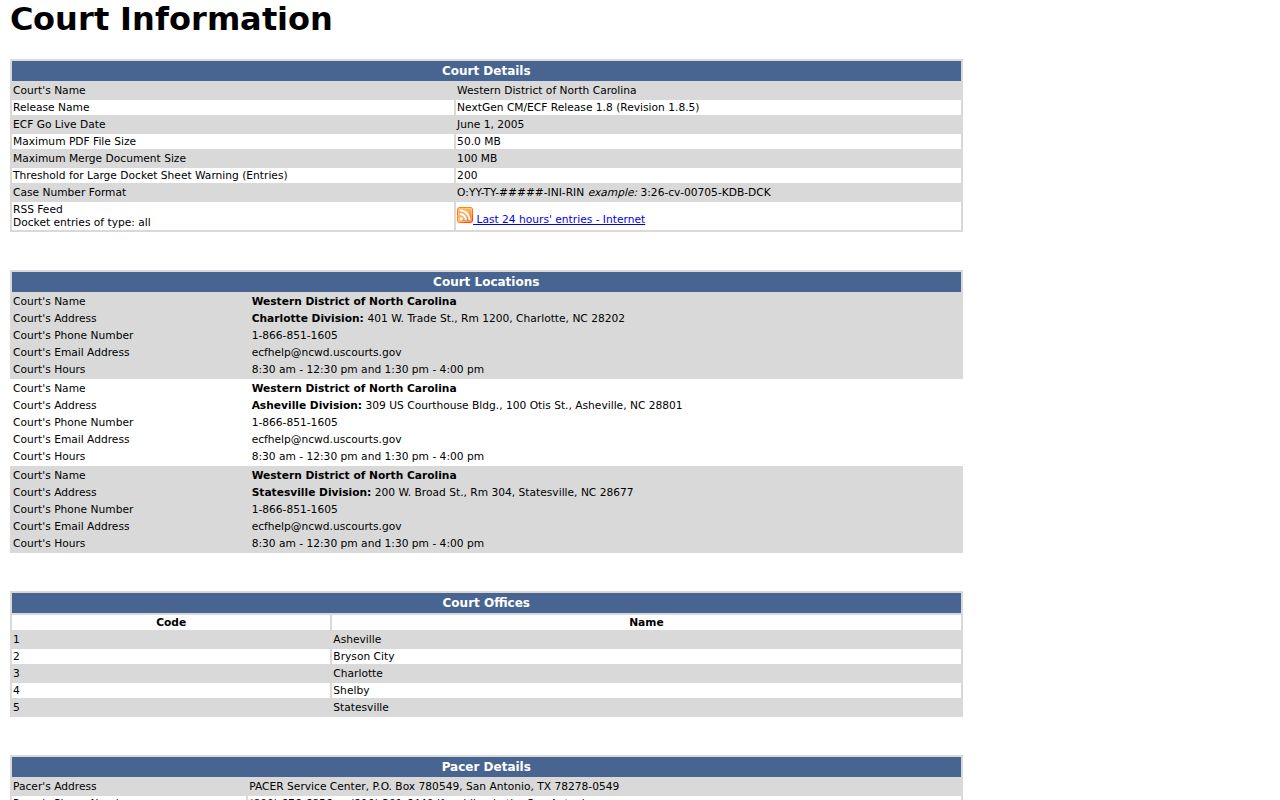
The federal display marks a boundary. It cannot replace Portal Search Hearings for a Clay County state court setting.The U.S. Bankruptcy Court for the Western District of North Carolina runs its own federal docket and case-information routes.
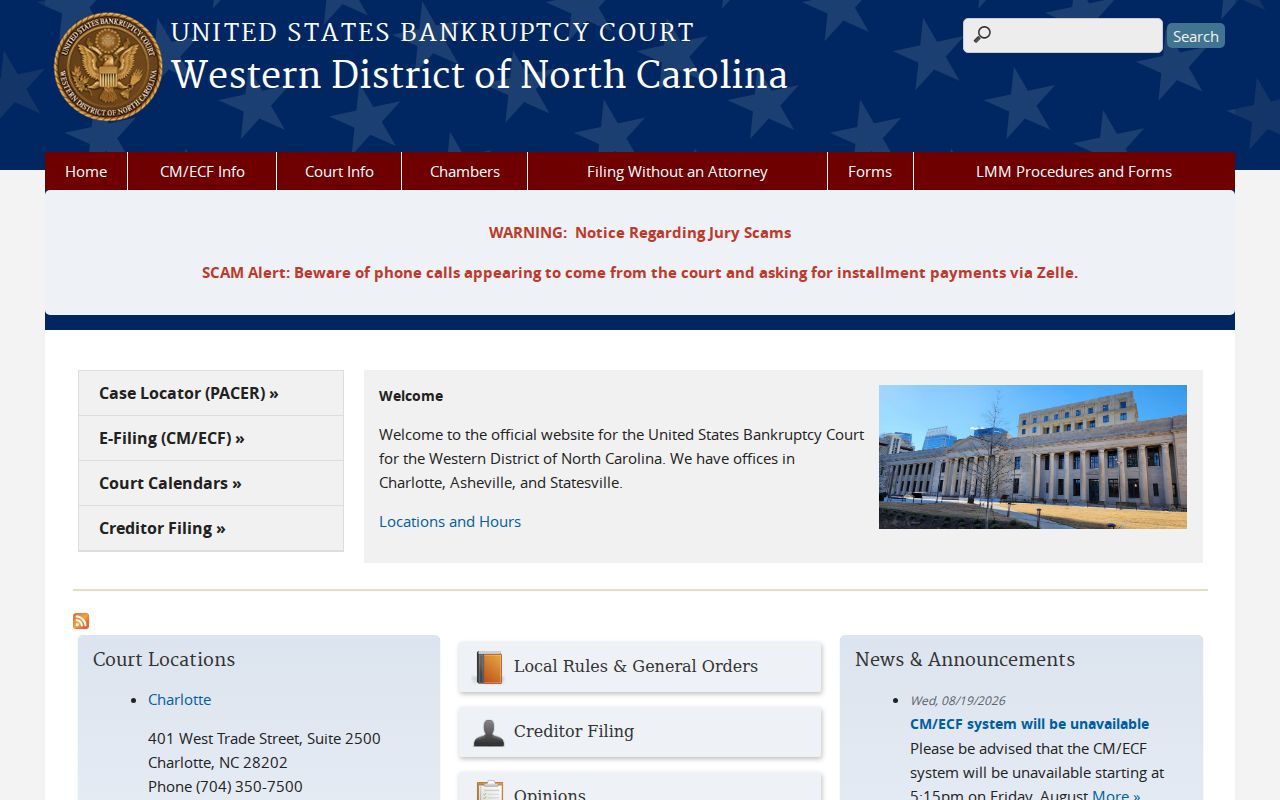
Bankruptcy matters never show up as a Clay County Superior or District Court calendar entry.
If You Miss a Court Setting
Move fast after a missed Clay setting. Pull up the Case Summary or the Search Hearings result first. Then reach the Clay Clerk or a licensed attorney about the case. North Carolina's Judicial Branch warns that a missed court date can trigger a failure to appear. Further court action can follow, depending on the matter. The record and the clerk can point to the next local step.North Carolina's missed court-date guidance spells out the statewide consequences. It also urges people to face an absence rather than ignore it.
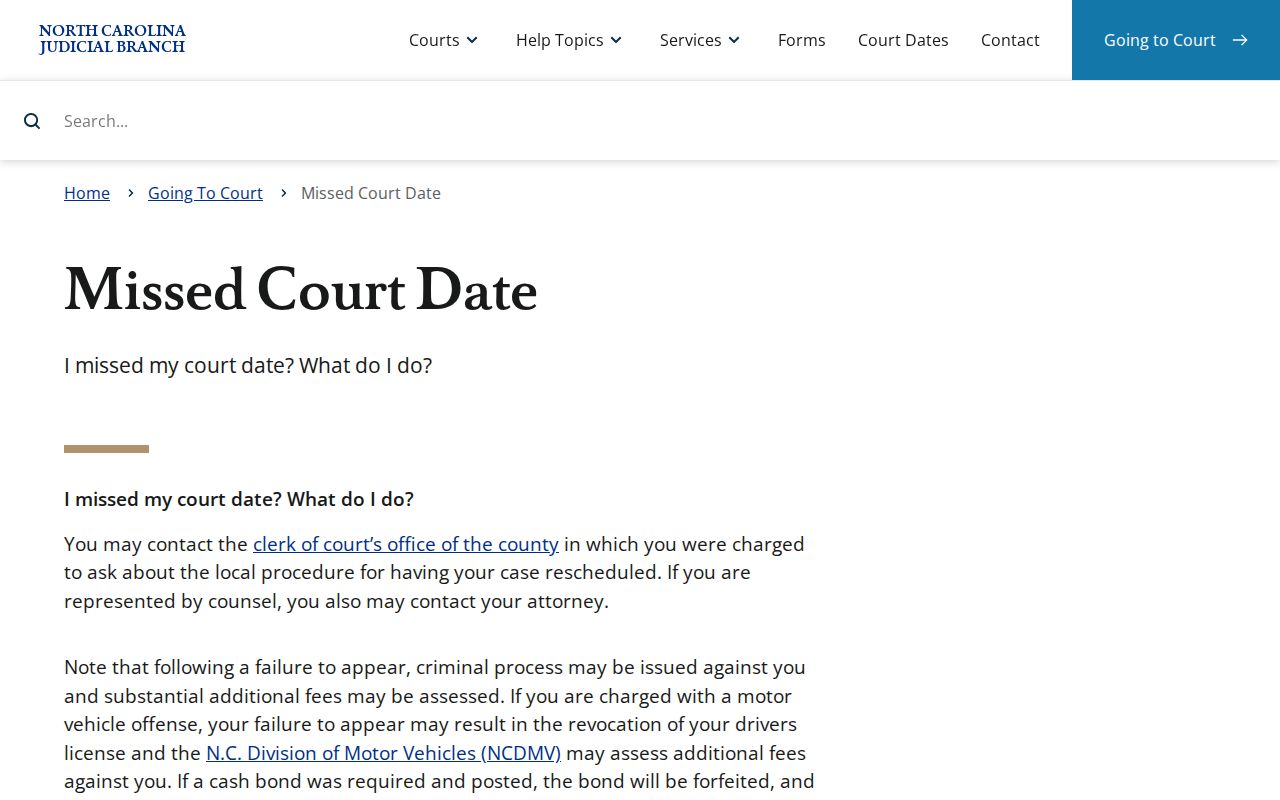
The statewide guidance backs the local rule. Confirm the current Clay case status with the court that holds the record.
Missed a setting? A missed court date can result in a failure to appear or other case-specific consequences, so check the current record and contact the Clay Clerk or a licensed attorney without delay.